LLM Software for Automated Purchase Document Understanding

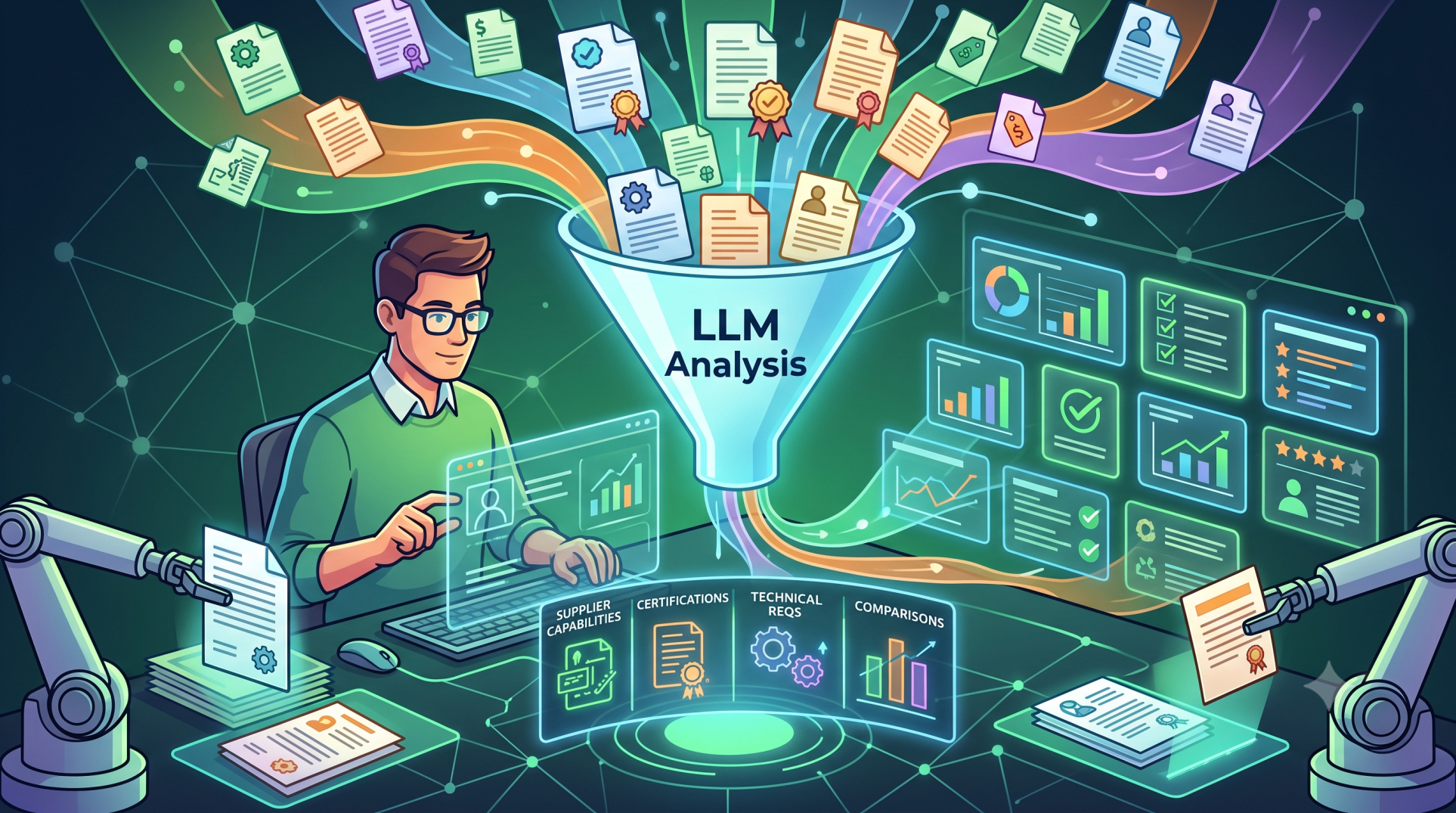
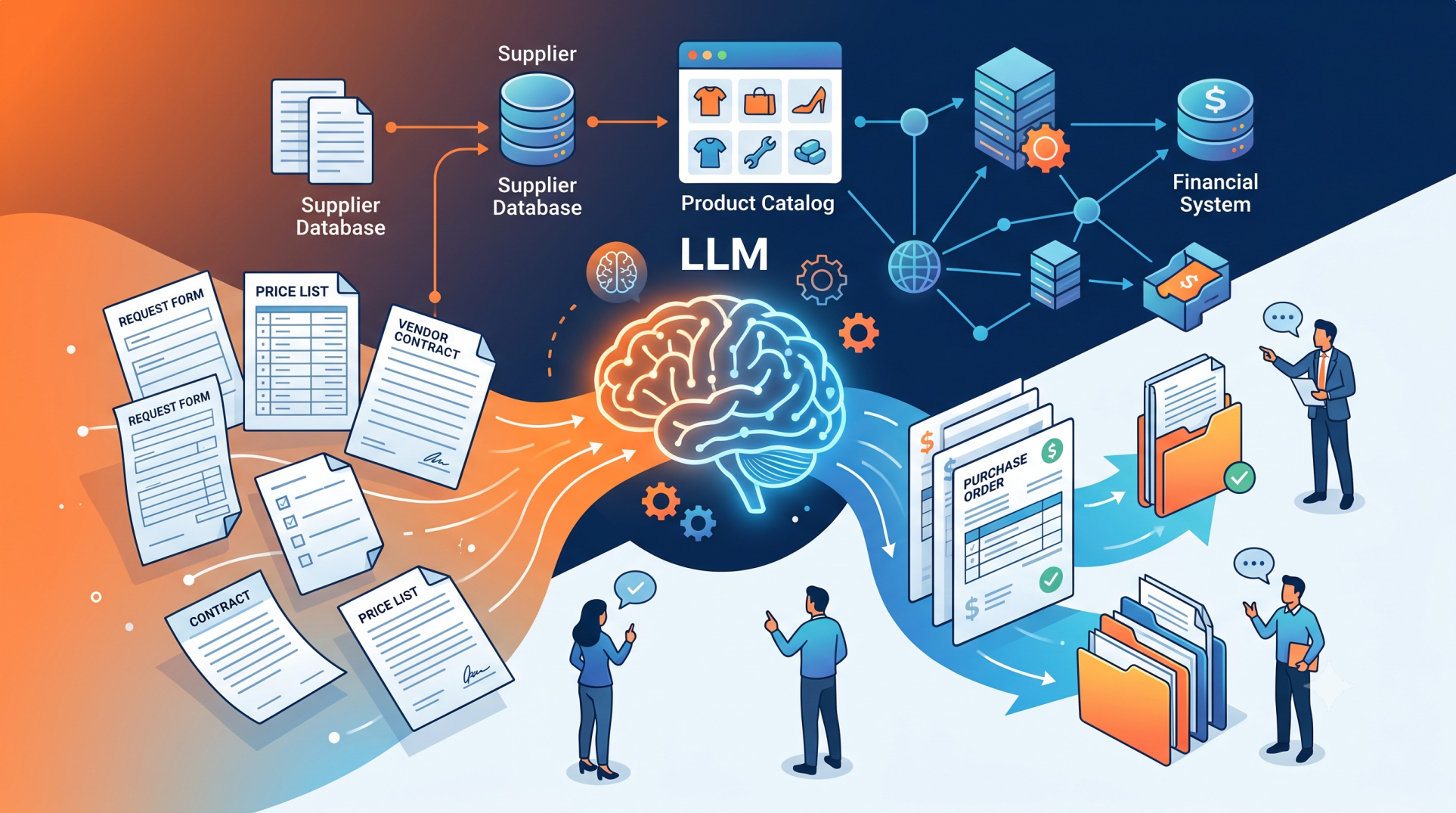
Purchase documents contain critical information about suppliers, products, pricing, quantities, delivery terms, taxes, and payment conditions. Manually reviewing invoices, purchase orders, receipts, and related documents can consume significant time and introduce data-entry errors. LLM software can help organizations interpret these documents, extract relevant information, validate content, and connect the results with purchasing and ERP workflows.
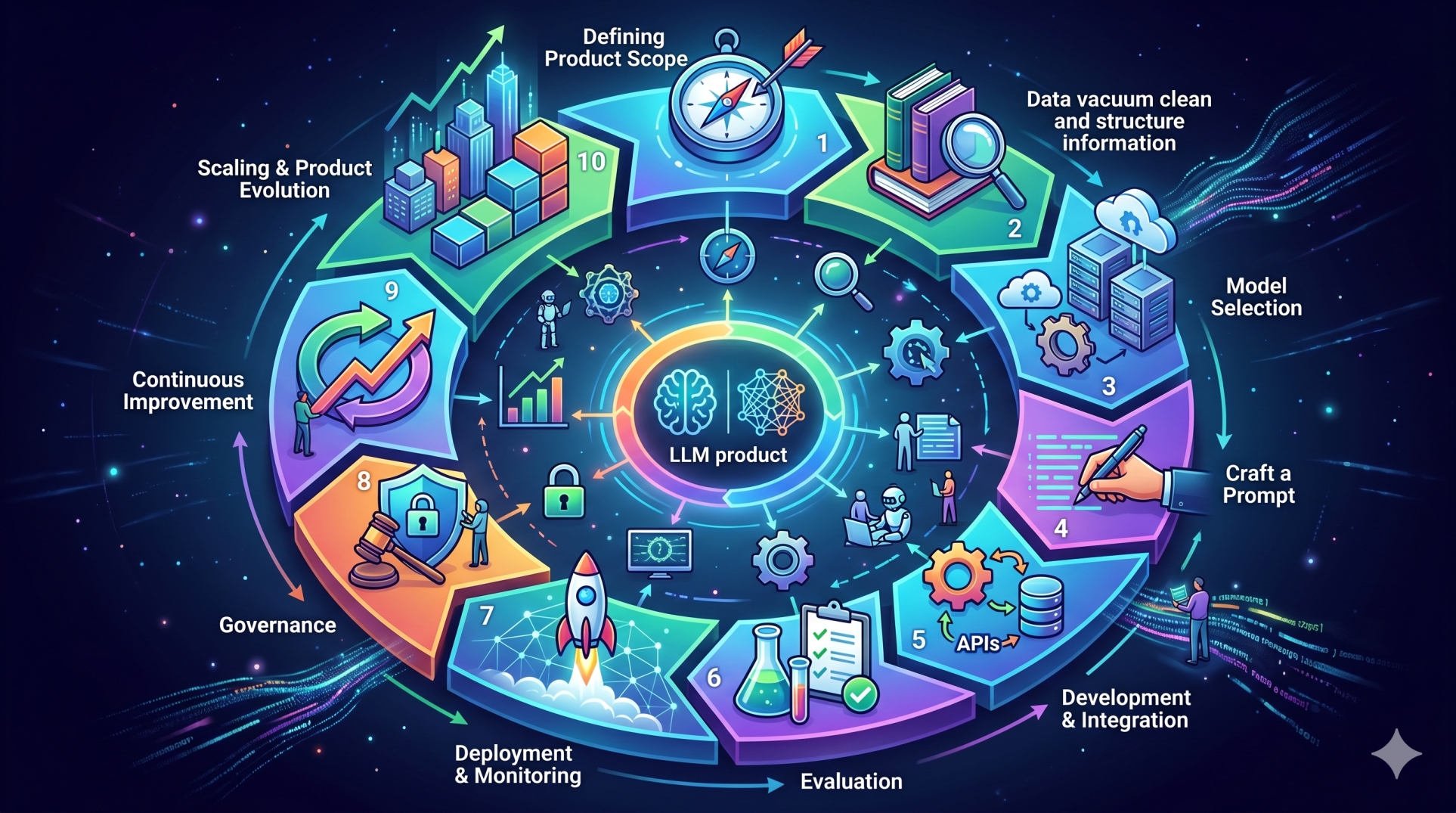
Step 1: Identifying Purchase Document Types 📄
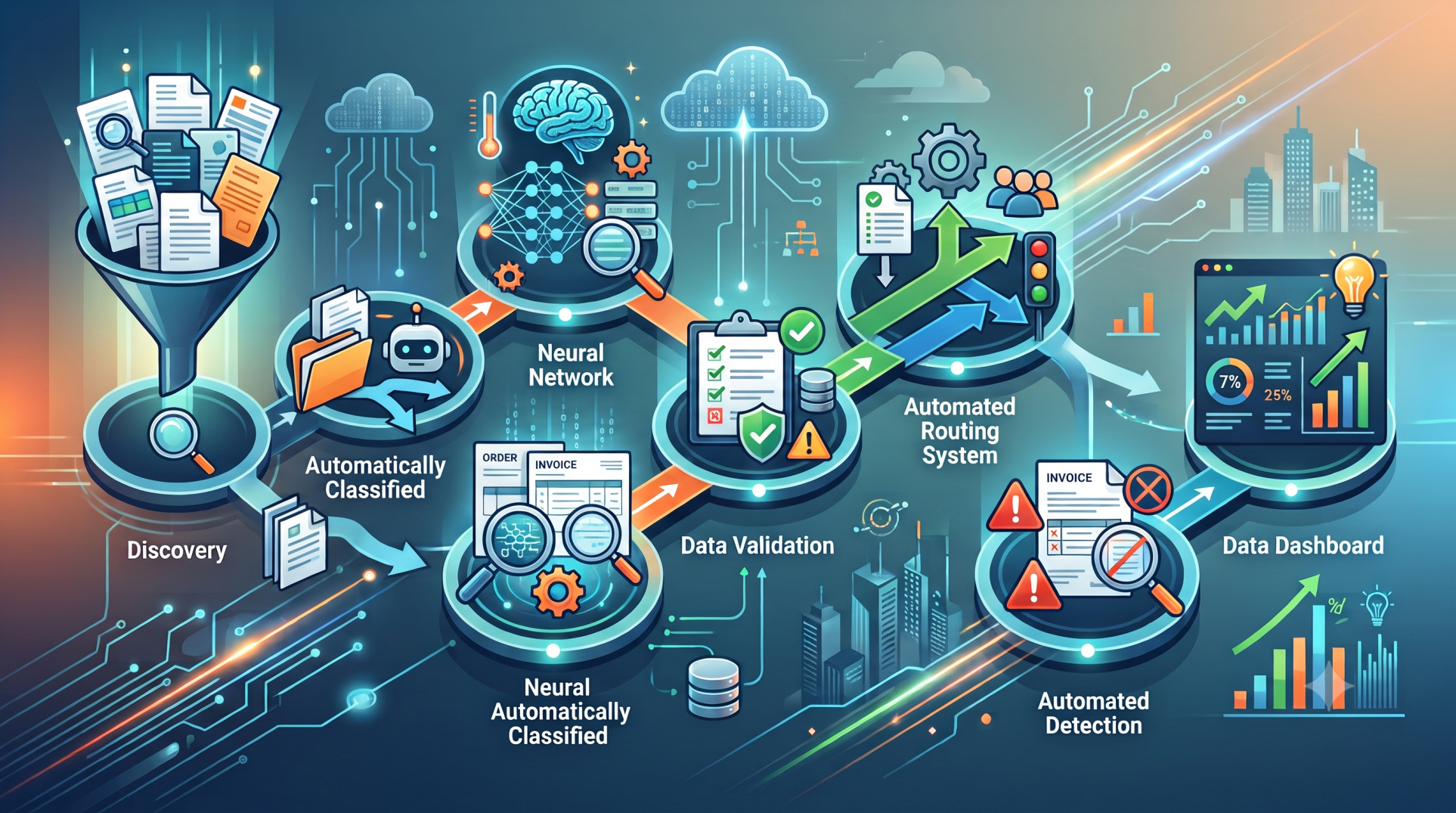
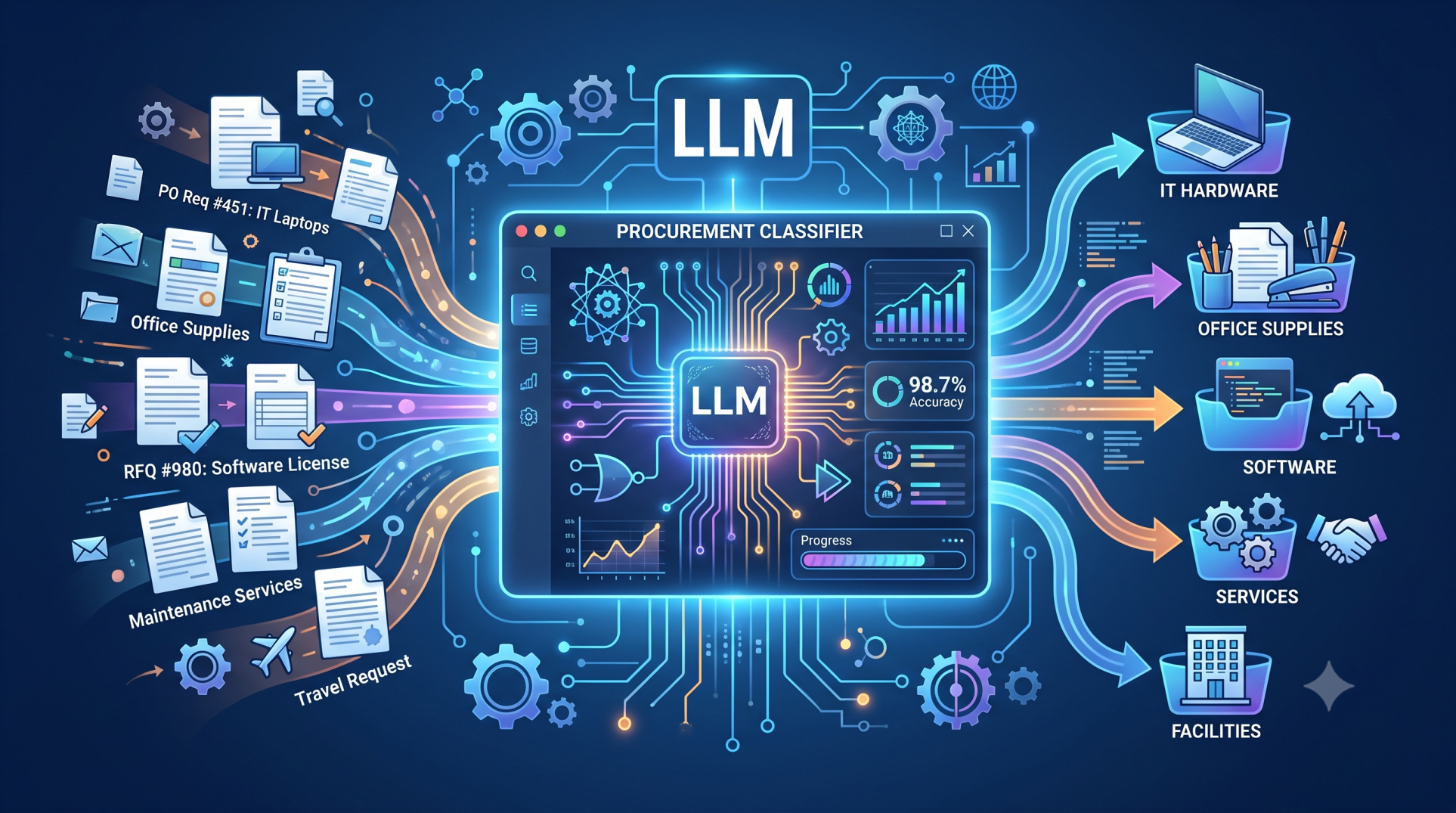
• Process invoices, purchase orders, receipts, quotations, and supplier statements. 🗂️
• Recognize different document layouts and formatting styles. 🔎
• Identify information that is common across different purchasing documents. 📋
• Support digital documents as well as scanned files when appropriate. 📑
• Organize documents according to their business purpose and workflow. 🧩
Step 2: Extracting Important Information 🔍
• Identify supplier names, addresses, contact details, and reference numbers. 🏢
• Extract product descriptions, quantities, unit prices, and totals. 💰
• Capture purchase order numbers, invoice numbers, and transaction dates. 📅
• Identify taxes, discounts, shipping charges, and payment terms. 🧾
• Convert extracted information into structured data for downstream processing. 🗃️
Step 3: Understanding Document Context 🧠
• Use language models to interpret information based on surrounding document context. 🤖
• Understand variations in terminology used by different suppliers. 🌐
• Connect related fields even when documents use different layouts. 🔗
• Interpret line-item descriptions and purchasing terminology more effectively. 📊
• Distinguish relevant business information from unrelated document content. 🎯
Step 4: Combining OCR and LLM Capabilities 📷
• Use OCR technology to convert scanned documents into machine-readable text. 🔤
• Apply LLMs to interpret and organize the extracted content. 🧠
• Handle documents containing tables, forms, and semi-structured information. 📑
• Improve processing of documents with inconsistent formatting. 🔄
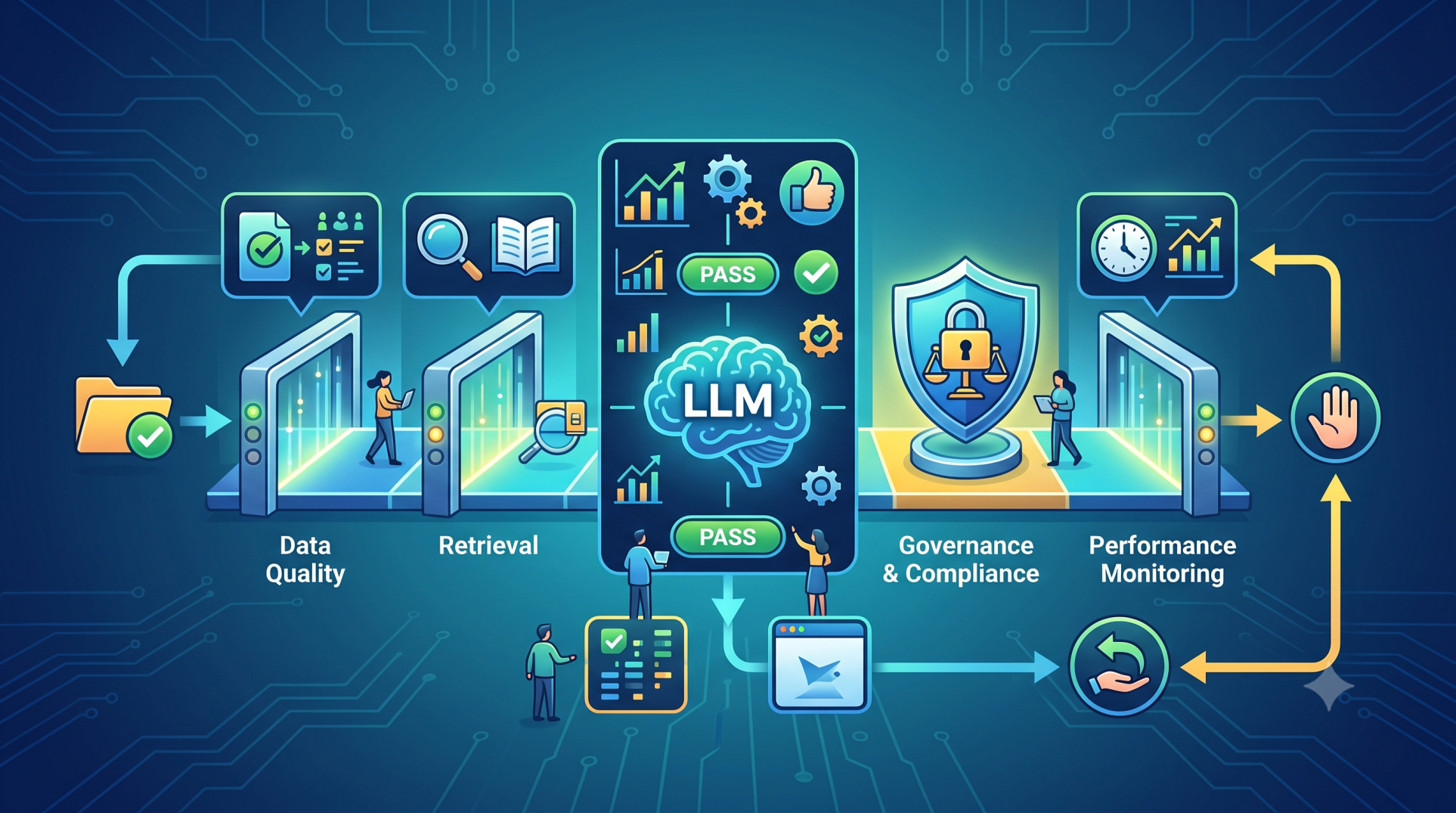
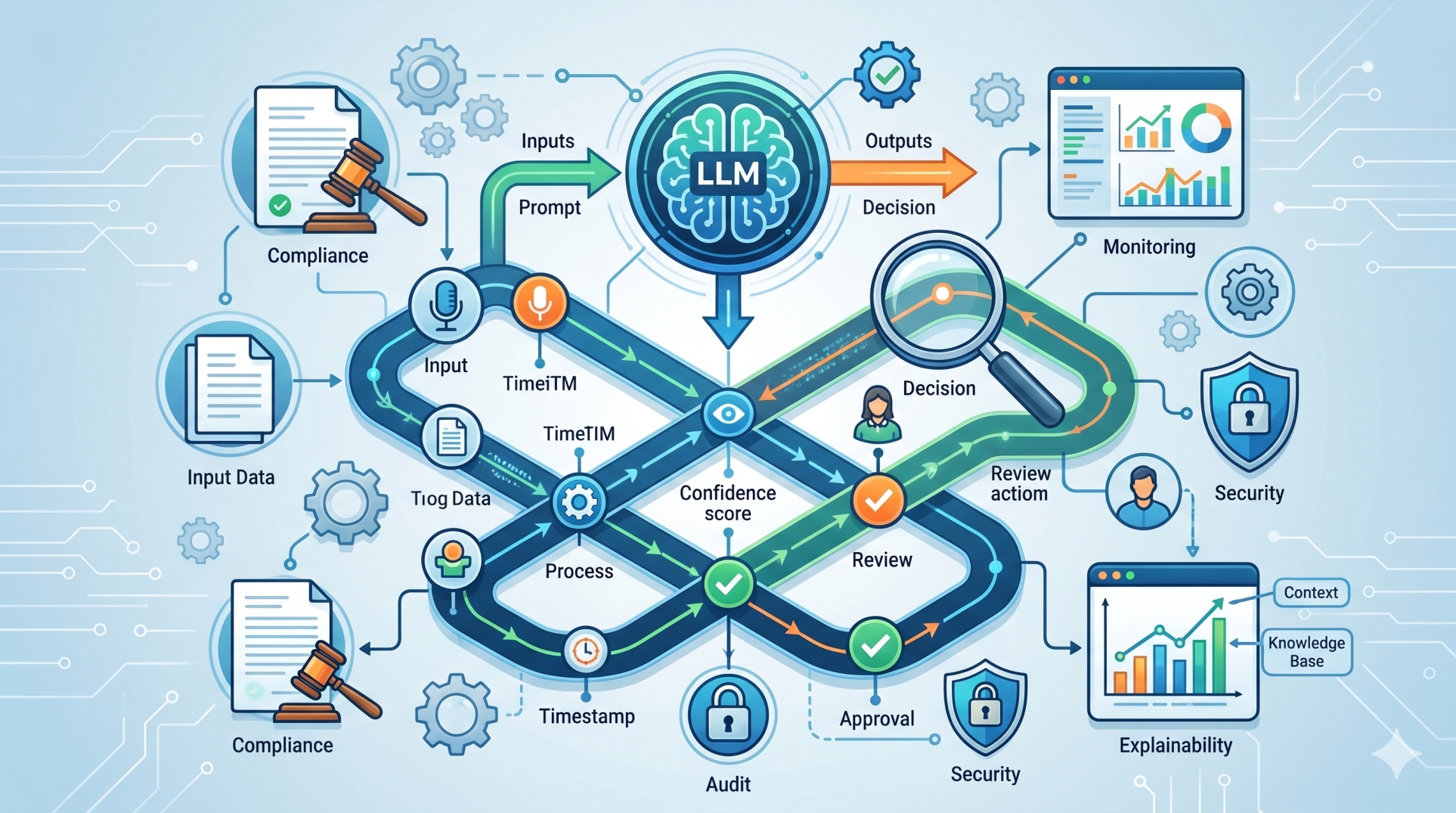
• Validate extracted information before sending it to business systems. ✅
Step 5: Validating Purchase Information ✔️
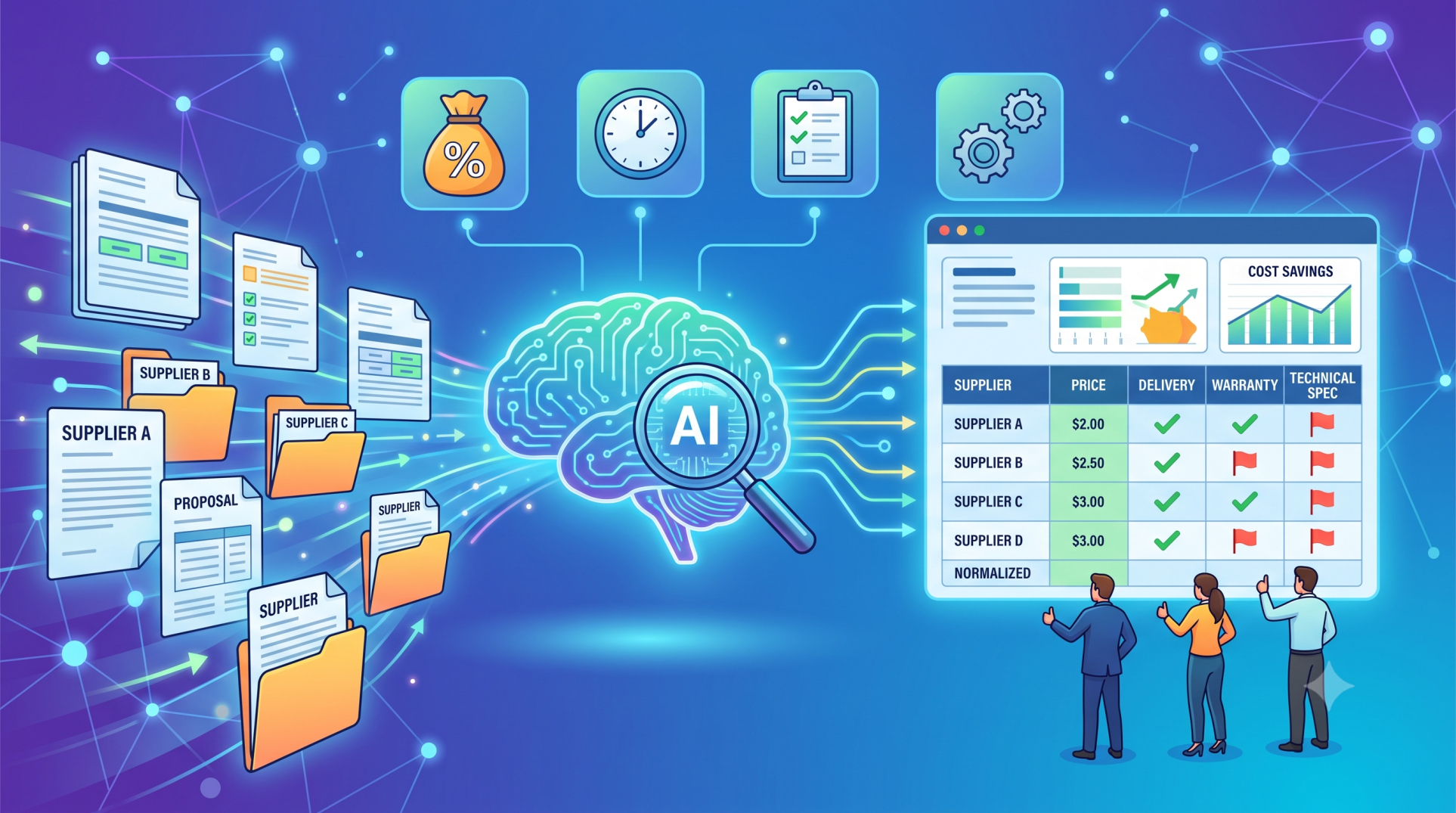
• Compare extracted invoice information with purchase orders. 🔄
• Identify mismatches in quantities, prices, taxes, or supplier details. ⚠️
• Detect missing fields and potentially incomplete documents. 🔎
• Apply configurable validation rules based on purchasing policies. 📋
• Route exceptions to employees for review when additional verification is required. 👥
Step 6: Automating Purchase Workflows ⚙️
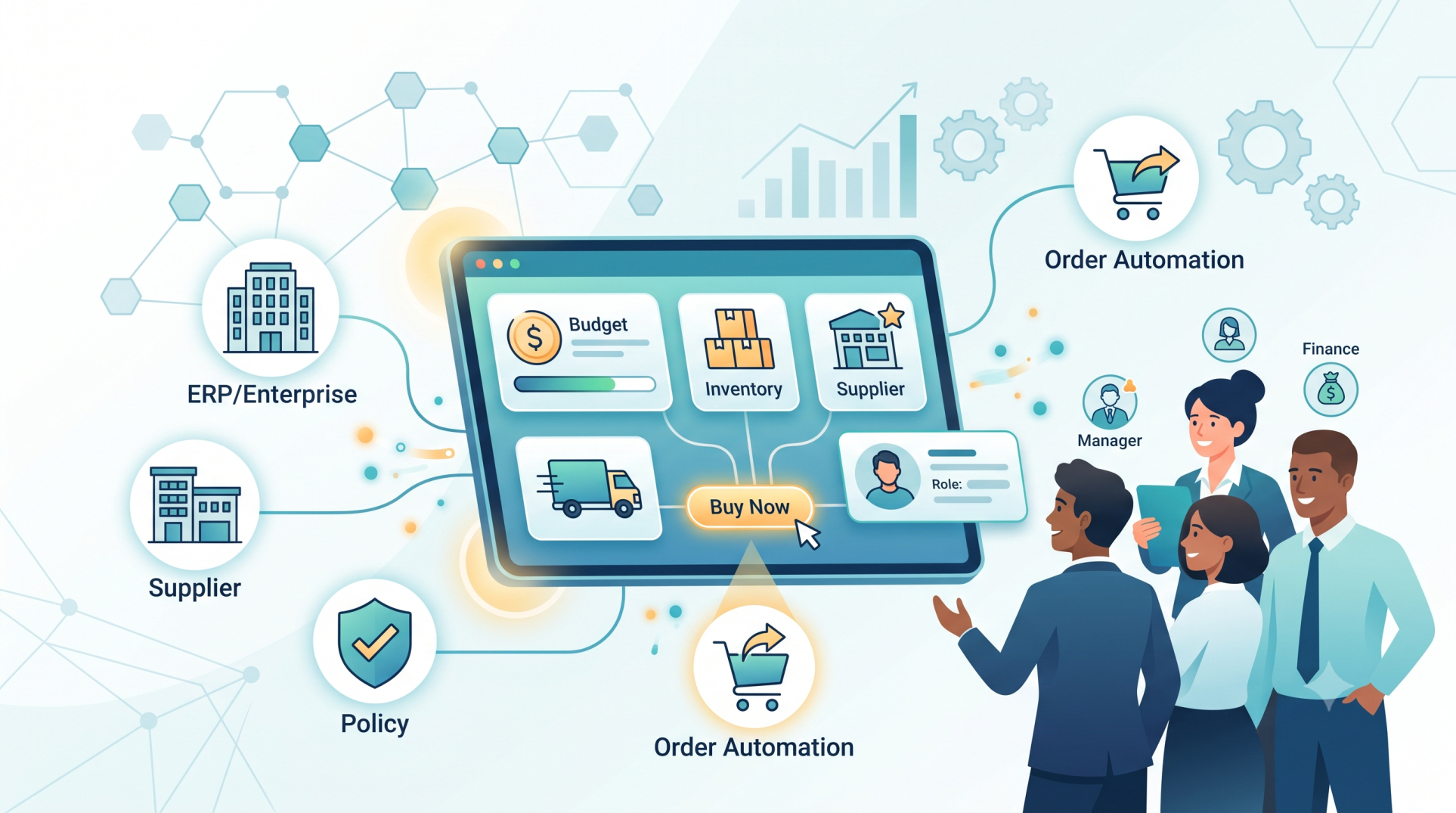
• Trigger approval workflows based on document content and business rules. 🔄
• Route documents to the appropriate purchasing or finance teams. 📤
• Automatically update relevant ERP or procurement records. 🏢
• Reduce repetitive manual data-entry activities. ⏱️
• Connect document understanding with downstream purchasing processes. 🔗
Step 7: Connecting with Enterprise Systems 🔌
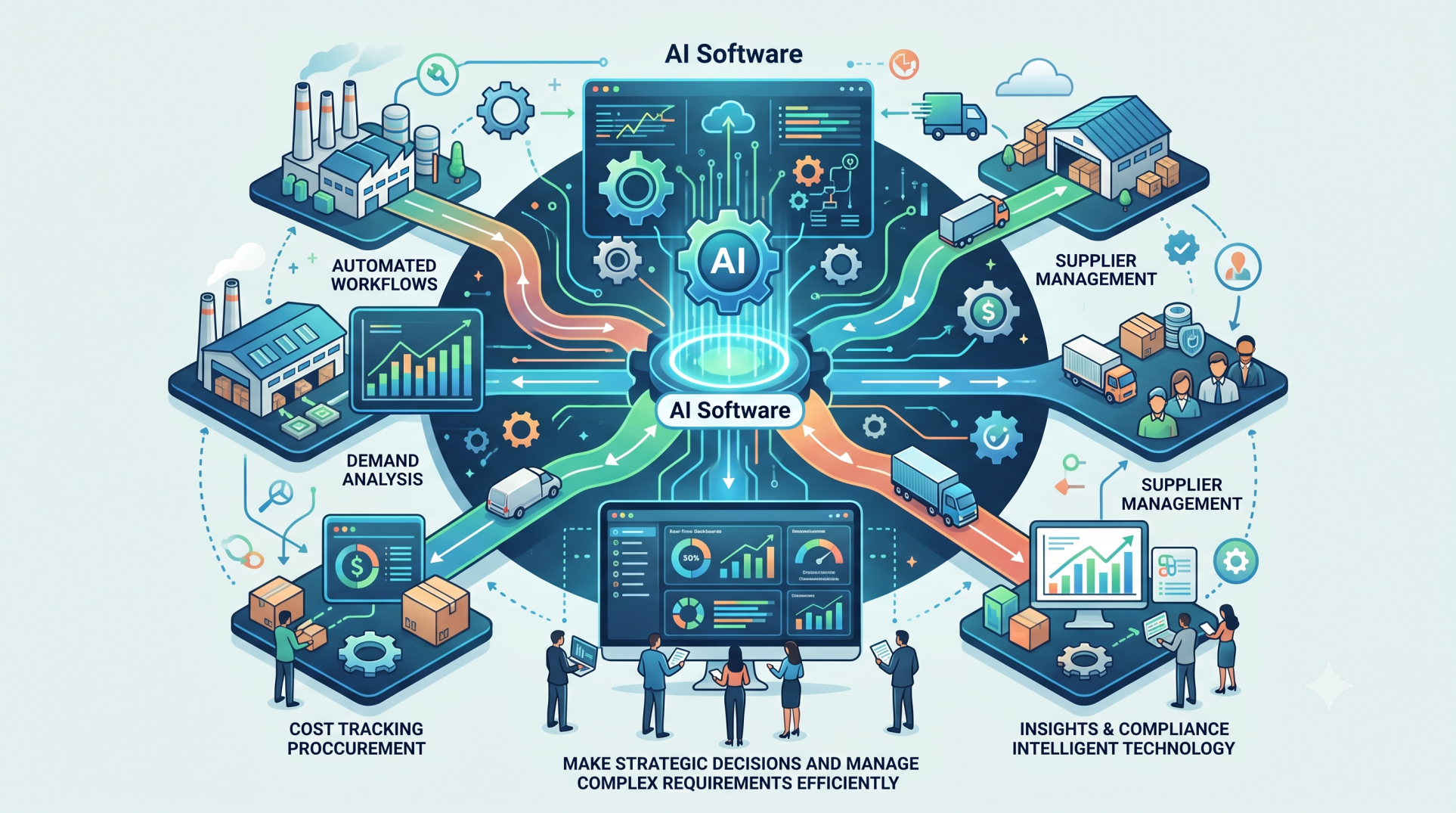
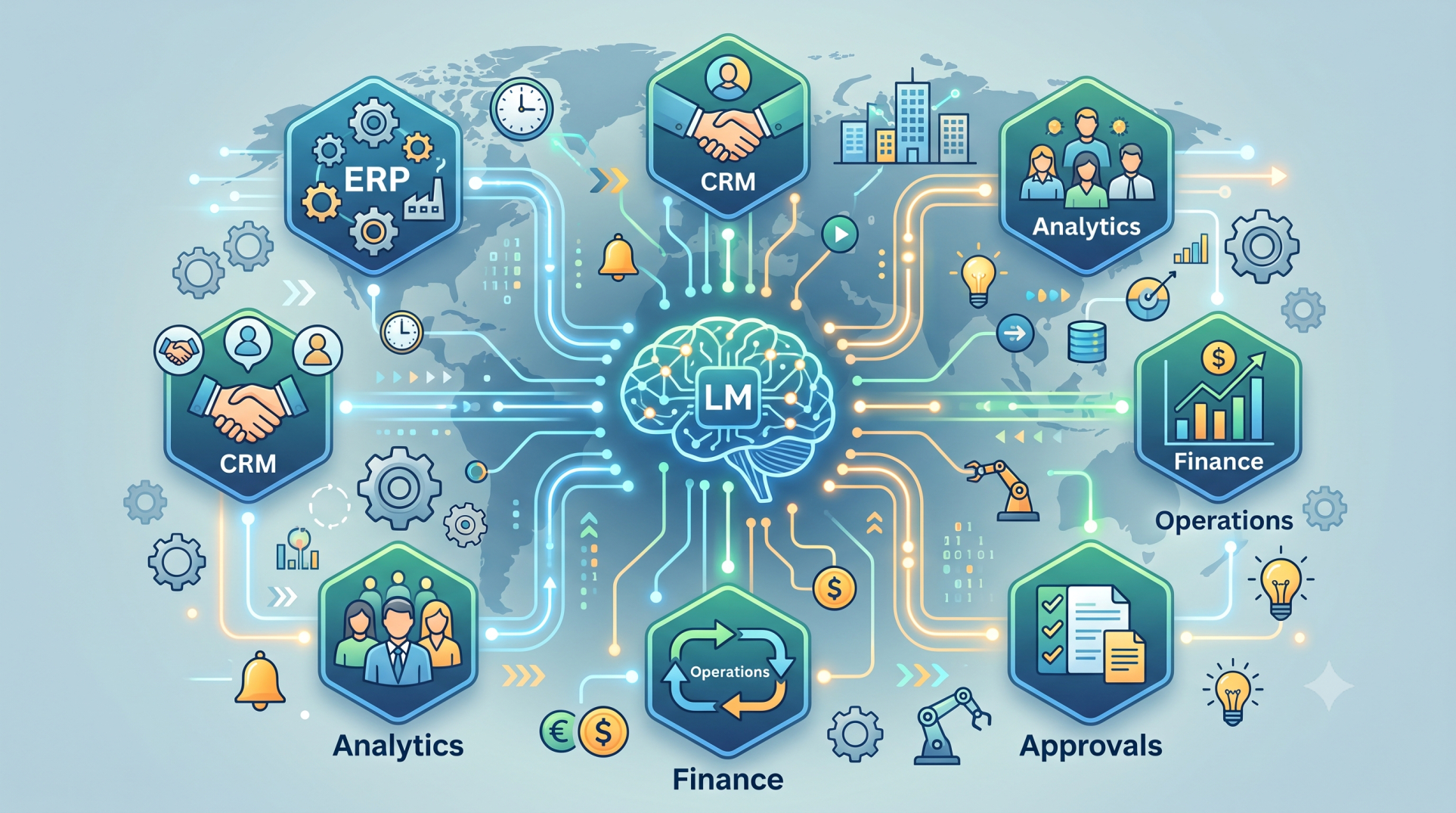
• Integrate LLM-powered document processing with ERP platforms. 🏗️
• Connect procurement systems with accounting and supplier management applications. 💼
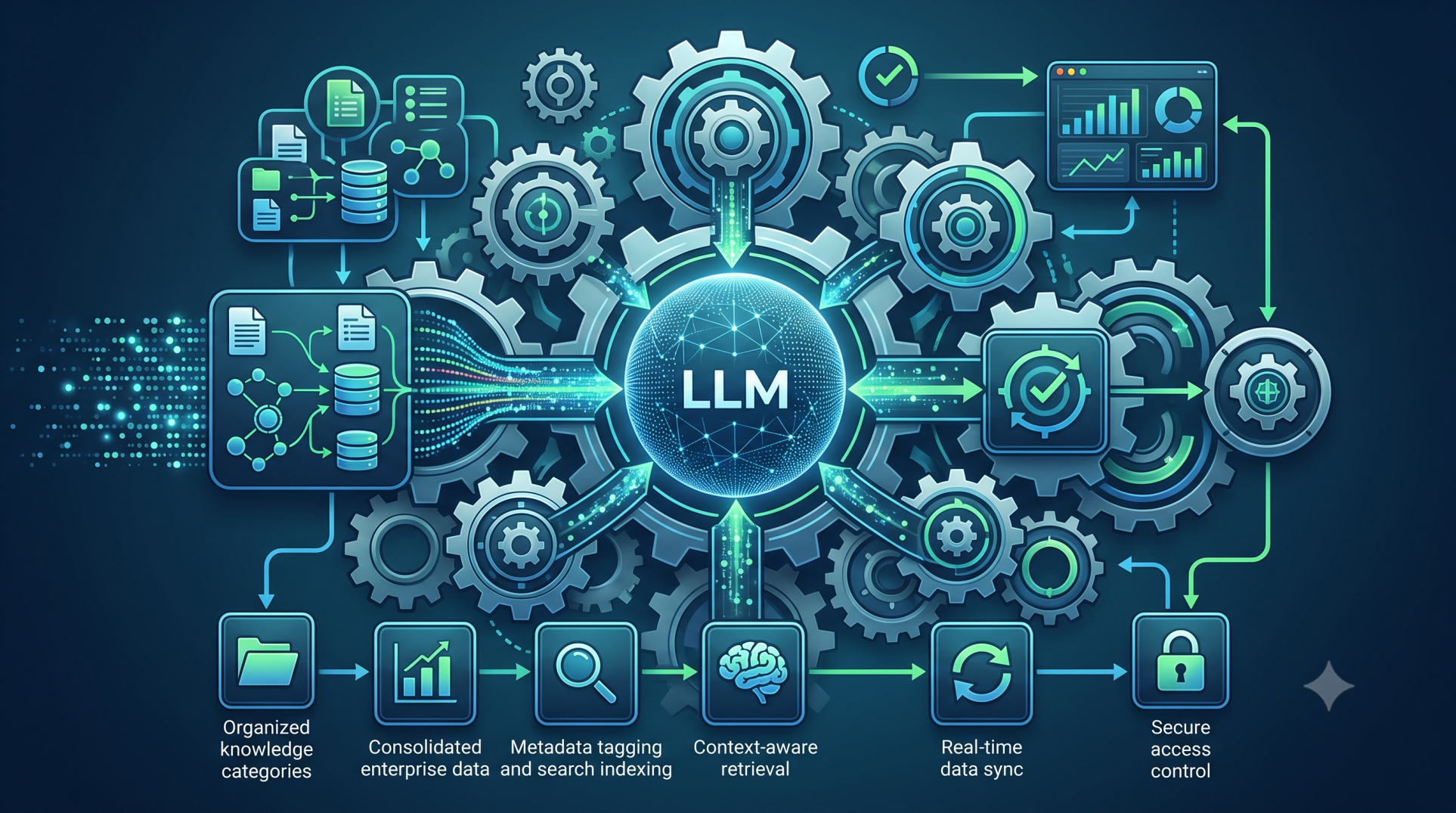
• Use APIs to transfer validated document information between systems. 🌐
• Support automated synchronization of approved purchase information. 🔄
• Maintain consistent data across connected enterprise applications. 📊
Step 8: Handling Exceptions and Ambiguous Documents 🚨
• Detect documents containing unclear, incomplete, or conflicting information. 🔎
• Assign uncertain fields for human verification. 👥
• Create fallback workflows when automated extraction cannot reach the required confidence level. 🛡️
• Maintain records of corrected information for future processing improvements. 📝
• Prevent uncertain data from automatically entering critical financial workflows. 🔐
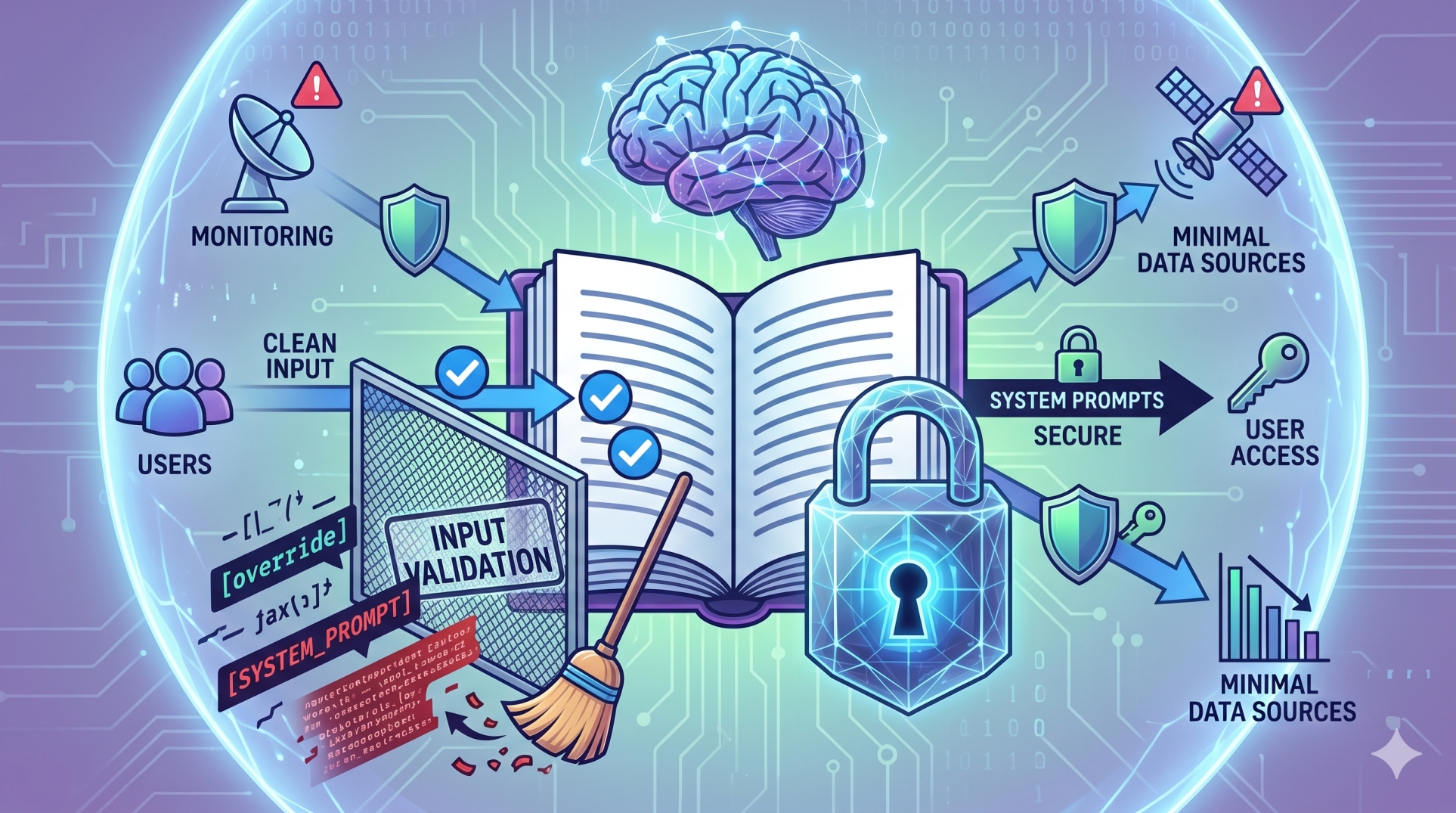
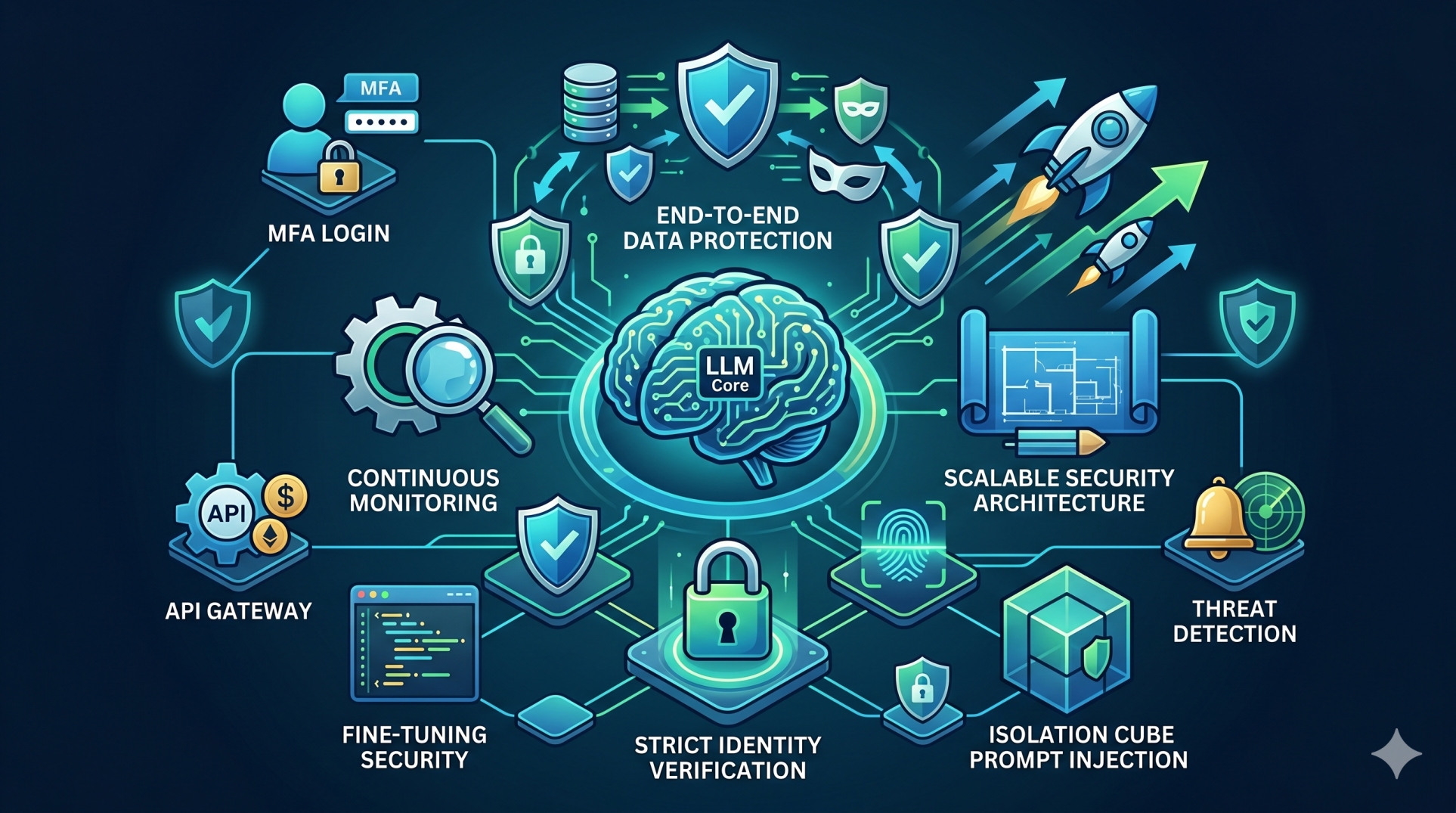
Step 9: Securing Purchase Information 🔐
• Protect supplier, pricing, payment, and financial information throughout processing. 🛡️
• Apply role-based permissions to document access and workflow actions. 👤
• Encrypt sensitive information during storage and transmission. 🔒
• Maintain audit trails for document extraction, validation, and approvals. 📝
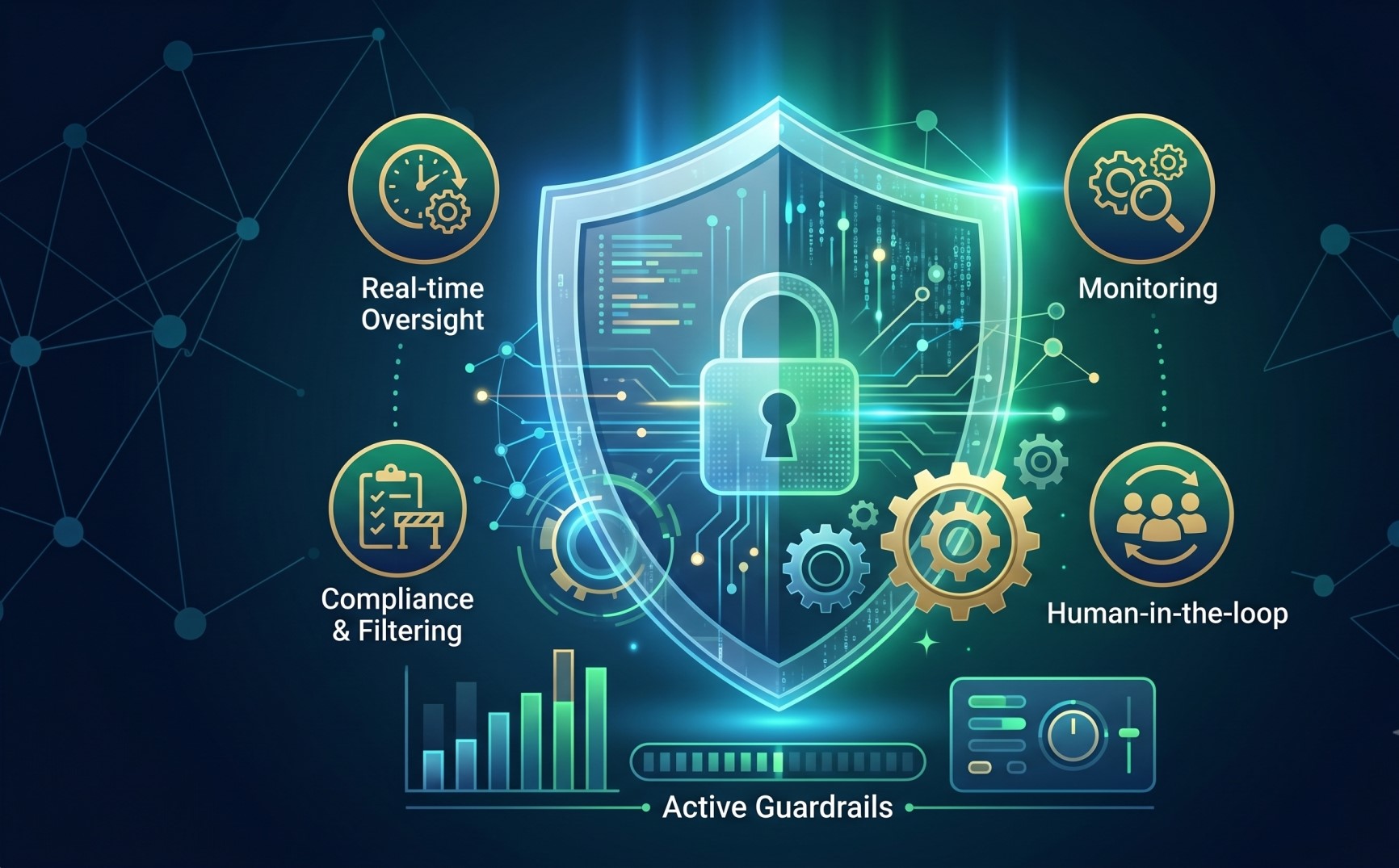
• Establish governance policies for the use of AI with enterprise purchasing data. 📋
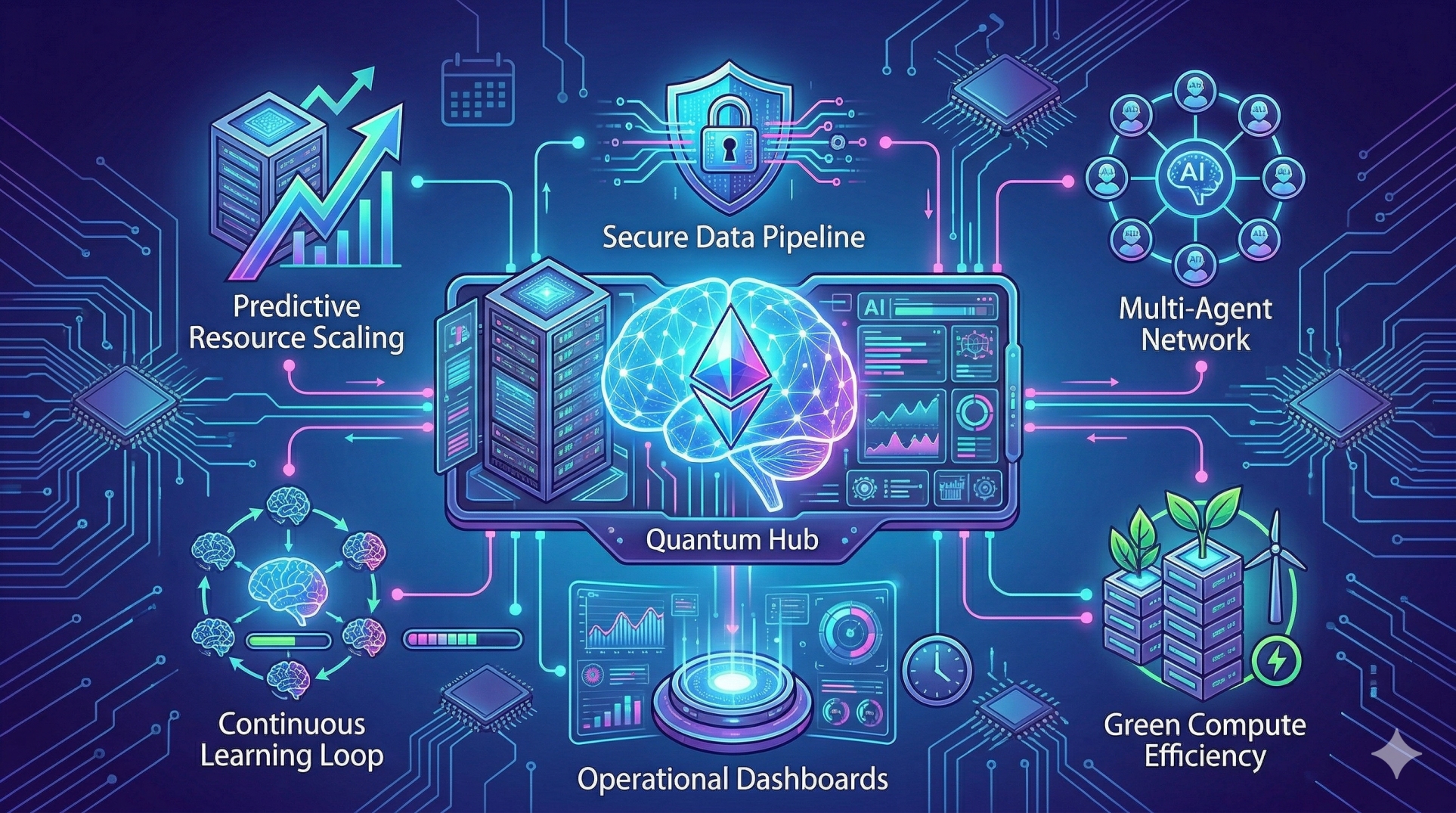
Step 10: Building Scalable Document Intelligence 🚀
• Design the platform to process increasing volumes of purchase documents. 📈
• Support multiple suppliers, document formats, and business workflows. 🌐
• Add new document types without rebuilding the entire processing architecture. 🧩
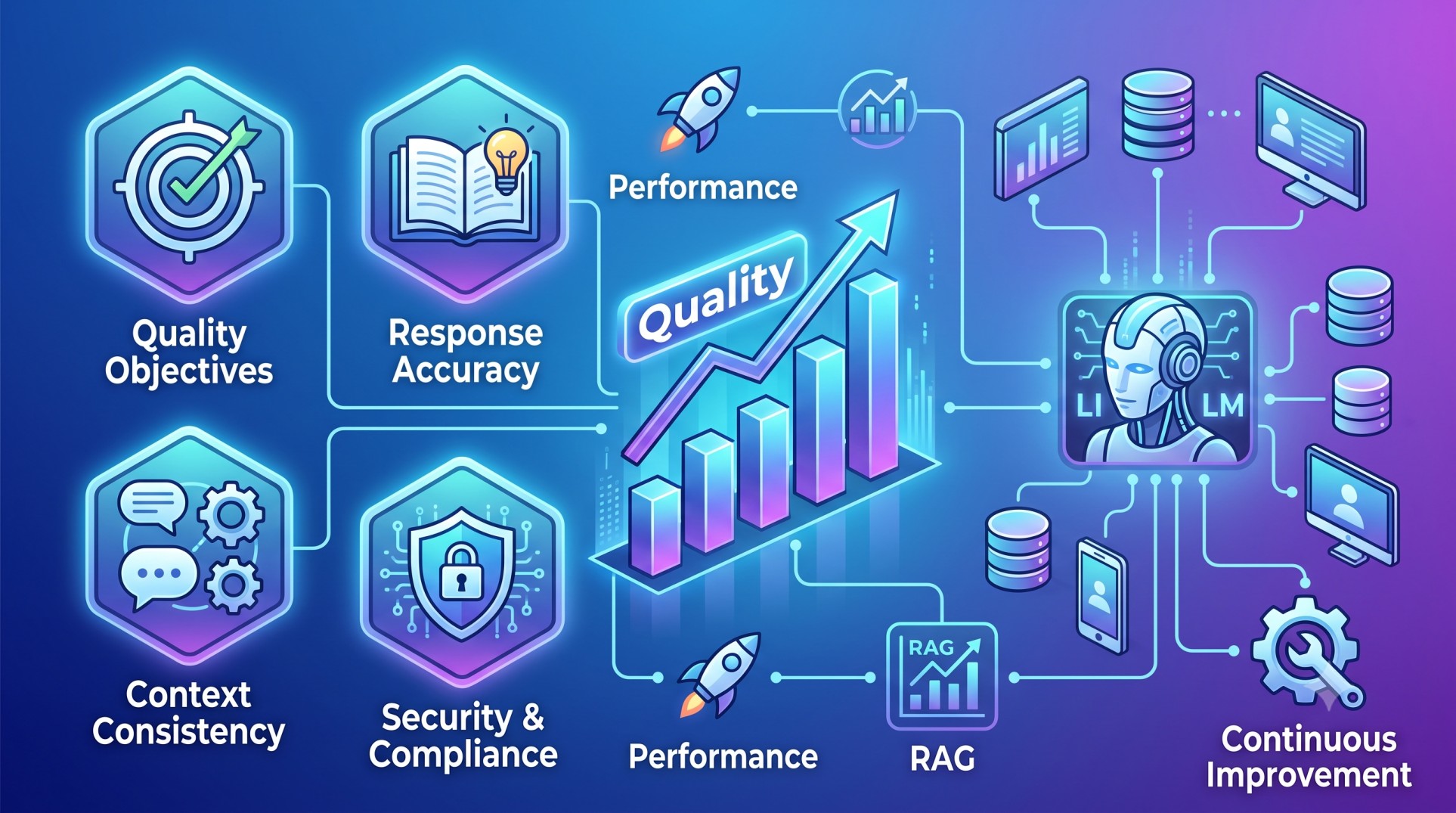
• Continuously evaluate extraction accuracy and workflow performance. 📊
• Create a flexible foundation for broader AI-powered procurement automation. 🤖
Conclusion
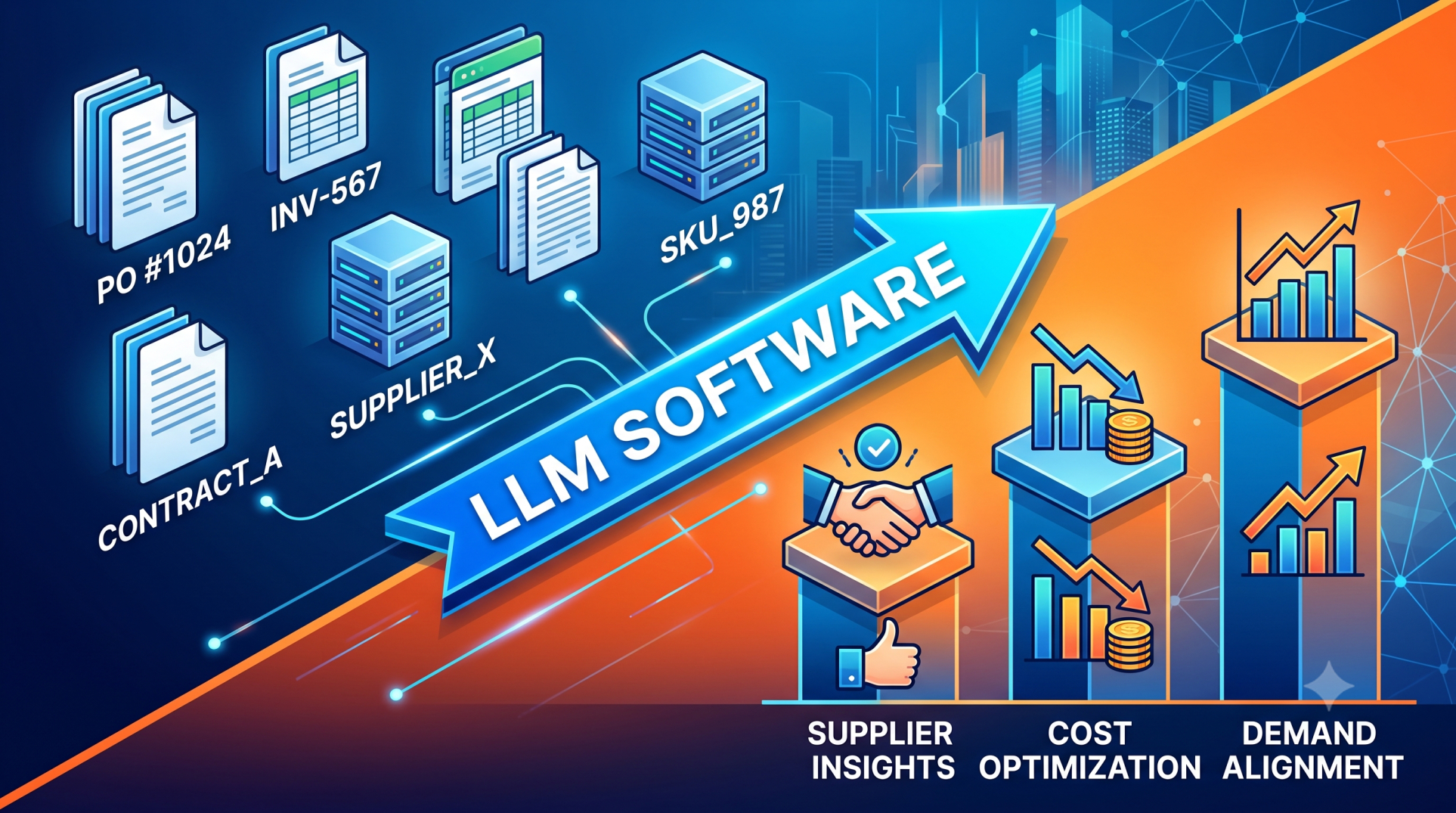
LLM software can transform purchase document processing from a manual data-entry activity into a more intelligent and connected business workflow. By combining document extraction, contextual understanding, validation, exception handling, and enterprise integrations, organizations can process purchasing information more efficiently while maintaining appropriate human oversight. A well-designed document intelligence platform can provide a scalable foundation for automating procurement operations, improving data consistency, and connecting purchase documents directly with modern ERP and business systems.
See more blogs
You can all the articles below